How to Play Multiplayer in The Elder Scrolls Online
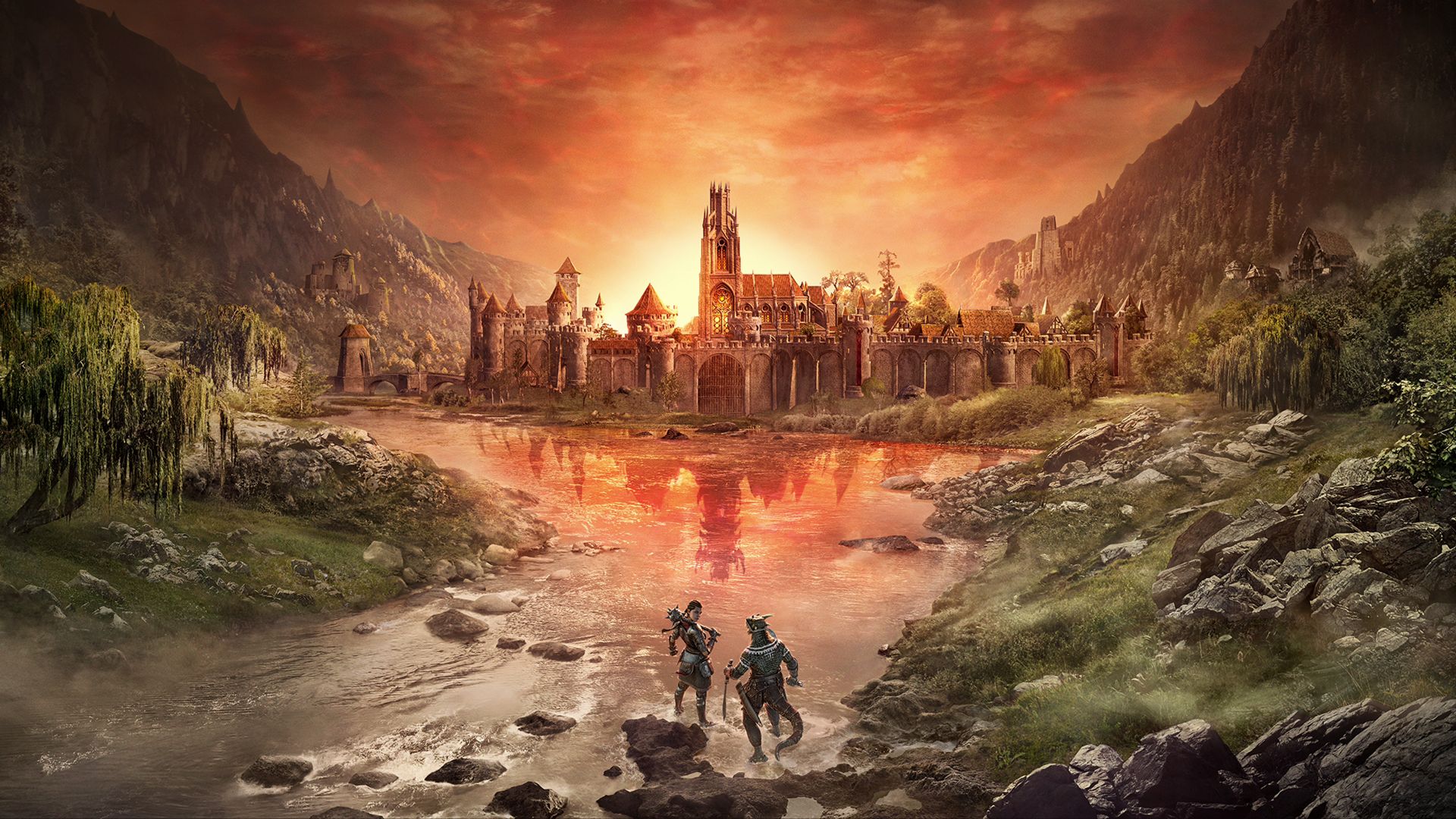
The Elder Scrolls Online takes the familiar world of Tamriel and opens it up in a way the single-player games never could. Instead of wandering the provinces alone, you're sharing them with thousands of other players, all living out their own stories in the same space. Cities feel busier, roads more alive, and even the wilderness has that sense of being part of something larger than yourself.
You can treat multiplayer as a casual bonus, running into strangers on the road and helping with a world boss. Or you can build a steady group of friends to tackle the toughest content together. Here's a beginner's guide to introduce you to the multiplayer feature in The Elder Scrolls Online.
Choosing the Right Megaserver
The first step in setting up multiplayer is picking the right megaserver. ESO doesn't scatter its players across dozens of small servers. Instead, it has two massive ones: North America and Europe. Every character you create is locked to the region you choose at login.
That choice matters more than most players realize. If you're in North America while your friend plays in Europe, you won't be able to see or join each other at all. There's no workaround, no transfer option that brings your character across.
You can switch regions, but doing so means starting from scratch with a brand-new character. For that reason, it's best to decide early which server you'll call home. If you're planning to play with friends, check in with them first so you all end up on the same side before investing hours into levelling. If you need more information, check out the ESO Wiki for getting started in The Elder Scrolls Online.
Adding Friends in Game
Once you're all on the same megaserver, the next step is building your friends list. This is how you'll keep track of when your group is online and how you'll send out invitations to play together.
On PC, open the Contacts panel by pressing O. From there, you can add a friend either by typing in their character name or by using their UserID. Every UserID begins with the "@" symbol, making it the easiest way to find someone. If you're standing right next to a player in-game, you can also hold F while targeting them to bring up the radial menu and choose Add as Friend.
Console players use a slightly different system. On Xbox or PlayStation, the Social menu is your central hub. From there, you can add a nearby player directly through the radial menu, or you can invite friends through your console's friends list. Both methods connect back into the game so that once accepted, your friend will appear in your ESO contacts just like they would on PC.
Forming a Group
Once you've added your friends, the next step is bringing everyone together in a group. On PC, grouping is handled through the Party window, which opens with P. From there, right-click your friend's name and select Invite to Group. They'll get a notification, and once they accept, you'll see their character appear in your group list.
Consoles use the Social or Group menus to do the same thing. It's built into the interface so that you can quickly send invitations to friends who are already on your Xbox or PlayStation friends list. Once accepted, the result is the same: you're linked together, able to fight side by side, share progress, and explore as a party.
Sharing Quests and Rewards
Grouping up makes questing much easier, especially since not everyone always has the same objectives in their journal. ESO allows you to share most quests directly with your party. On PC, you can open your Quest Journal, right-click on the quest, and choose Share. On consoles, the option appears in the quest menu once you're grouped. Your friends will then get a prompt to accept, and if they do, the quest is added to their journal as if they picked it up themselves.
Not every quest can be shared. Certain story missions and tutorial quests stay personal. However, most side quests, dailies, and guild tasks can be. Check out The Elder Scrolls wiki for more information about this. This prevents your group from splitting apart when one person forgets to talk to an NPC. Even if you're not on the same quest, completing objectives together often still helps, since many fights and interactions count for everyone in the party.
Rewards are handled fairly, too. Everyone in the group earns their own loot and experience. There's no need to argue over who gets the drop from a boss. If it's meant to appear, it appears for each player individually. This design keeps multiplayer smooth and cooperative rather than competitive.
Exploring Tamriel Together
This is where ESO really shines. Once you're in a group, the whole of Tamriel becomes something you can experience side by side. You can move through story zones at the same pace, tackling enemies together and backing each other up when fights get tough.
Dungeons and Trials are the game's big set pieces, and these are built with groups in mind. Four-player dungeons offer a mix of bosses, puzzles, and loot, while Trials are larger raids that demand coordination and patience.
Thanks to the One Tamriel update, group play is more flexible than ever. Level scaling means you don't have to worry about being underpowered or locked out of content because of your character's level or alliance. A new player and a veteran can step into the same area, fight the same enemies, and both feel challenged. It removes the barriers that usually get in the way of playing together, letting you focus on the adventure instead.